

MiSol Peace of Mind
When you cannot be there, your home already knows what to do.
Talk with us to check the right devices, Core and scenario for your family.
How MiSol Peace of Mind works
More than detection. Understand context and respond at the right time.
MiSol Peace of Mind compares multiple signals in your family context and takes permitted actions, then alerts the right person at the right time.
- Signals from your devices
Door, window, motion and vibration sensors pick up the signals your home needs to watch.
- Reading the context
It checks the time, the area, which mode your home is in, and related signals before deciding whether to respond.
- Respond within granted permissions
Run scenarios your family has allowed, such as turning off a device or activating an alert.
- Alert the right person at the right time
Send clear information so family knows what happened and how MiSol Peace of Mind responded.
19:05
Interface illustration
It matches the family routine and someone is home. No action needed.
Outside the usual routine, with movement detected. Please check.
Four modes for your routine
The level of watching changes with your household's routine.
At home, at night, when out, or away for an extended trip — each moment has its own level of watching, switching automatically based on family members' phones.
At home
Light monitoring that stays out of the way while everyone goes about their normal day.
At night
Closer watch on doors and entryways during sleeping hours.
Out
Watches for any unusual sign while the house is briefly empty.
Away for a while
Keeps watching continuously while the whole family is away for several days.
When it isn't sure anyone is home, MiSol Home says "not sure" — it never guesses that you've gone out.
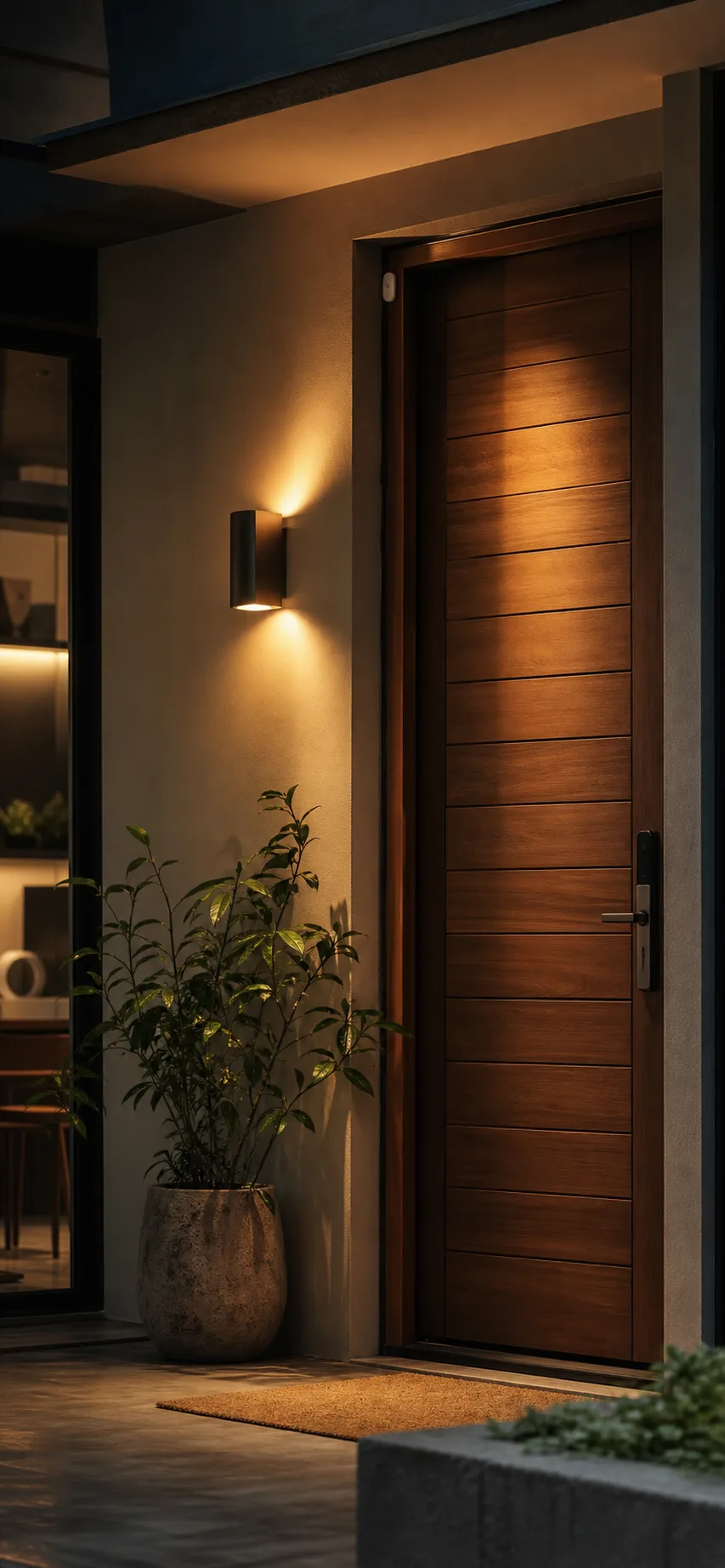
An example of context
An open door is not always a problem.
Timing, routines and accompanying signals give your family information worth checking instead of an alert for every opening.
Deployment conditions
A clear scenario starts with the right conditions.
MiSol Home checks the device, Core, connection and family permissions before suggesting how to use a scenario. Devices and scenarios may have different support levels.
Compatible devices and sensors
Confirm the sensor type, installation position and state to monitor before choosing a scenario.
MiSol Core and the right connection
A scenario needs Core or a connection confirmed for the device; actual operation depends on the configuration.
Permissions and recipients
Your family chooses the response scope, notification recipients and review method before enabling automation.
Alerts with clear levels
Not just noise. Know when to really worry.
- Alerts come in several levels, from normal to serious — not every signal triggers an alarm.
- If a sensor is removed or tampered with, it's flagged at the highest level right away, without waiting for another signal.
- You can let one person open one door for 20 seconds without turning off the whole alarm system.
Easy to set up
Asked in everyday language, not technical terms.
Does your home have pets, what time do you go to sleep, what time does your shop open and close — MiSol Home uses those familiar questions to choose the right way to respond for your home.
One app, many sources
Bring your existing devices and cameras into a single app.
- Devices already connected to Home Assistant or Google Home can all be seen in MiSol Home, without opening several apps.
- Cameras around the house can be viewed right in the app. Video is never uploaded to the Cloud — all footage stays at home.
Peace of mind without disruption
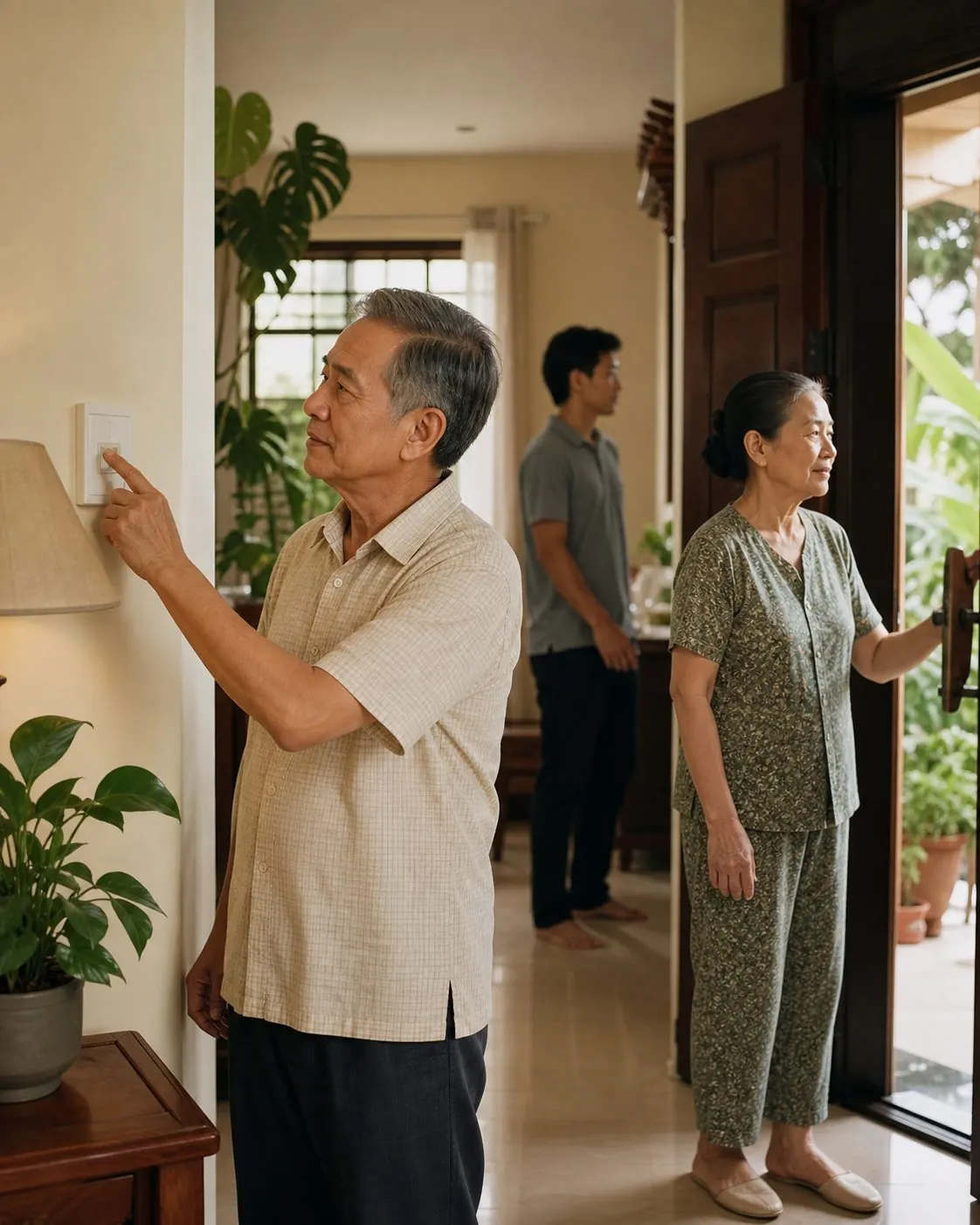
Everyone keeps living normally. MiSol Peace of Mind intervenes only when truly needed.
There is no need to open an app or change routines. When something unusual appears, MiSol follows the agreed scenario and automatically alerts family.
- Keep familiar routines.
- Act only within the allowed scope.
- Alert when a sign deserves attention.
- Respect data and privacy.
The first invitation
Far away, without missing the moment family needs you.
MiSol Home will discuss the support scope and the right way for your family to begin.
MiSol Home
Let MiSol Home support your family
Leave your details and our team will quickly contact you about your needs.
Request received
MiSol Home will contact you as soon as possible.
Practical Smart Home
Choose the device you need
Choose the number of devices you need. MiSol Home will confirm before contacting you.
Purchase request received
MiSol Home will contact you to confirm the device, quantity and delivery method.